 Skip to Main Content
Skip to Footer
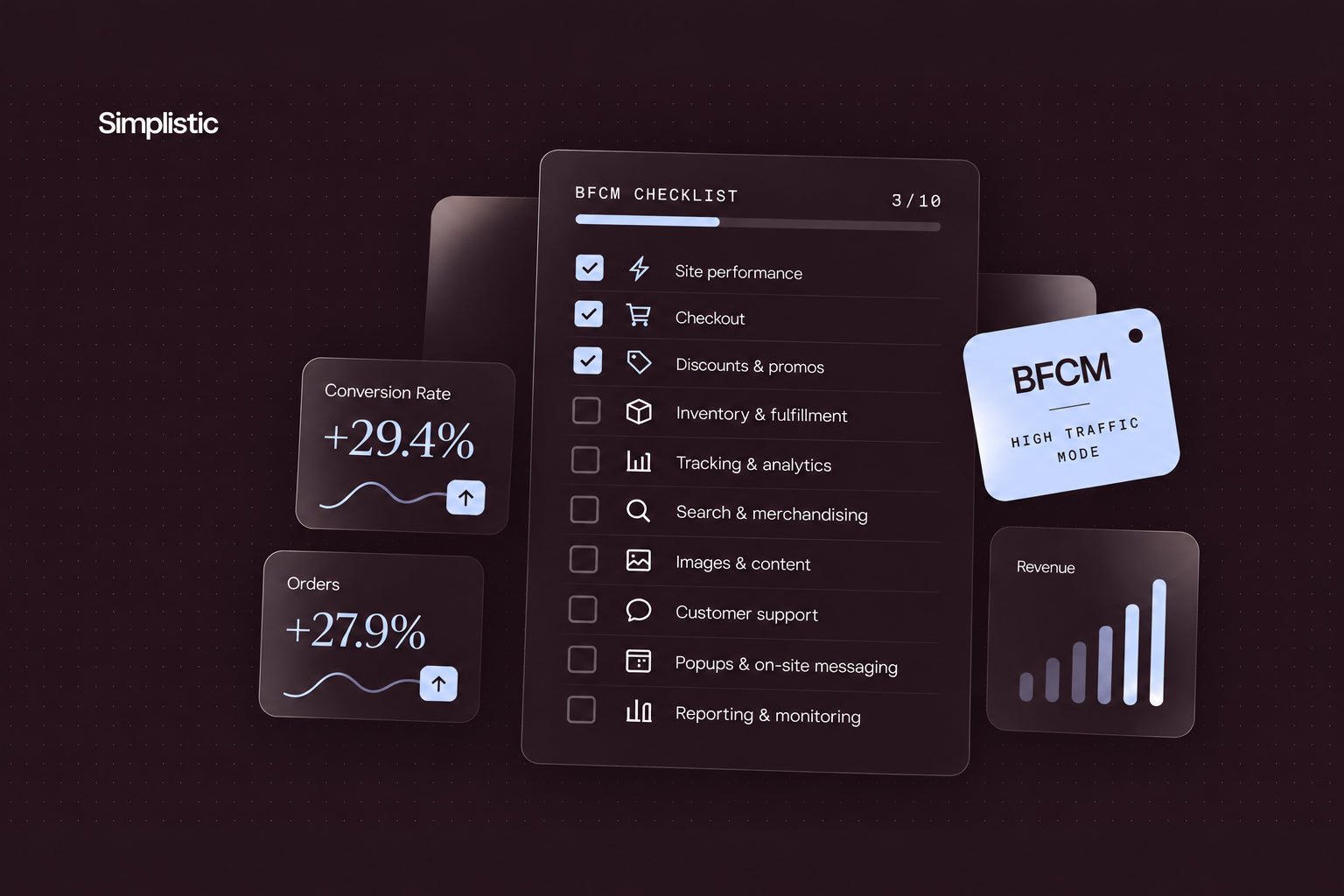
The Last-Minute BFCM Checklist: 10 Things to Fix Before Black Friday Traffic Hits
The biggest shopping season of the year is just weeks away. Your campaigns and offers are set, so the next job is making sure your site can carry the traffic they bring. This Black Friday checklist gives your CRO and site management team ten checks for common site issues. Hand the list to your team and assign an owner to each item. Each owner confirms the fix and reports back with a date.
Each item comes from the pre-launch reviews our CRO and site management team runs for clients. See our first post in this series to learn more about the strategy behind this checklist.
The Black Friday Checklist
1. Test your site’s performance for BFCM-level traffic
Email, SMS, and ad campaigns land together, and traffic arrives in bursts. For most Shopify stores, performance testing matters more than traditional load testing. Third-party scripts, apps, and custom functionality make performance testing especially important.
-
Test the homepage, collection pages, cart, and checkout. Shoppers move through all four in one session.
-
Review every app and third-party script. Both can slow pages when traffic spikes.
-
Test your custom functionality alongside your apps and scripts.
-
Fix the slowest templates first, then retest before code freeze.
-
Agree on a pass or fail threshold with your developers before testing starts.
2. Run the mobile checkout flow start to finish on an actual phone
Shopify manages the core checkout experience, but your store’s own variables can still cause issues. Apps, discount logic, shipping rules, and custom functionality all play a role. Browser emulators can miss real-device problems such as keyboard behavior, autofill, and wallet prompts.
-
Go from an ad link to the order confirmation on both iOS and Android.
-
Add a product, apply a code, choose shipping, and pay with a card and a digital wallet.
-
Refund the test orders afterward.
-
Log every slow or confusing step and fix the worst first.
-
Test the extras your store adds to checkout, such as shipping rules, tax display, and any post-purchase upsell.
-
Note whether each issue comes from Shopify’s checkout or your own setup, so the right team can fix it.
3. Test every discount code and verify automatic promotion
Offers that fail at checkout cost orders and erode trust on the biggest days.
-
Build a test matrix of every code, automatic discount, and threshold tier.
-
For discount codes, create carts one dollar below and one dollar above each threshold. Confirm the discount triggers only above the threshold.
-
For automatic promotions, review the settings line by line: start and end dates, minimum thresholds, eligible products, and customer eligibility.
-
Try stacking combinations to see which discounts combine and which block each other.
-
Repeat each test as a guest, a logged-in customer, a first-time buyer, and a returning buyer. Each customer-specific offer should reach the right segment.
-
Deactivate old test codes. Confirm every live code and promotion carries the right start and end time.
4. Confirm inventory sync accuracy across all sales channels
Overselling a hero product during BFCM creates cancellations, refunds, and support tickets. It also shakes shopper confidence and can cost future sales.
-
Compare counts for your hero BFCM SKUs across Shopify, your ERP or warehouse system, and every marketplace or channel.
-
Trigger a test sync and confirm the counts update.
-
Set low-stock alerts on each hero SKU.
-
Decide in advance what happens at zero: hide the product, switch to pre-order, or open a waitlist.
-
Reconcile bundles and kits. Component SKUs can sell out through another channel.
5. Verify tracking pixels and UTM parameters before ad spend ramps up
Broken tracking sends ad platforms incomplete data while spend climbs. Fixing tracking before BFCM keeps campaign optimization and reporting accurate. Your Klaviyo flows and segments rely on the same events.
-
Place a test order and confirm the purchase event reaches Meta, Google, and Klaviyo.
-
Use Meta Pixel Helper and Google Tag Assistant to see which events fire on each page.
-
Compare each platform's order count against Shopify.
-
Review UTM naming on every BFCM campaign link so reporting groups traffic correctly.
-
Check consent banner behavior so tracking fires for every shopper who opts in.
-
Confirm server-side events, if you use them, match browser events so each order counts once.
6. Test on-site search and filtering performance
If your BFCM catalog view is large, shoppers rely on search and filters to find offers. Slow or inaccurate results send high-intent visitors back to the homepage or off the site.
-
Search for each hero product by name, by common misspelling, and by category term.
-
Apply filters on BFCM collection pages and confirm counts, sort order, and sale pricing.
-
Repeat the searches during your performance test to check response times.
-
Review no-result searches and point them to useful fallback content, such as top sellers or the BFCM collection.
7. Check image compression and load times on your PDPs, homepage, and Black Friday landing page
Heavy images slow the pages shoppers see first.
-
Run your Black Friday landing page, homepage, and top PDPs through PageSpeed Insights and review the mobile results.
-
Compress oversized hero banners and product images. Swap heavy video for lighter assets where possible.
-
Retest after each change and confirm the offer appears quickly above the fold.
-
Set image dimensions and lazy-load below-the-fold images so layouts hold steady while pages load.
8. Confirm customer support staffing and macros are ready for BFCM volume
Your support team is the first to hear about any problem the earlier checks miss. A prepared team answers faster and escalates the right issues to your site team.
-
Schedule coverage for the peak days and name an escalation owner for each shift.
-
Update macros for BFCM shipping windows, return policy changes, discount code problems, and order status questions.
-
Test any AI-assisted support tool with real BFCM questions and confirm its answers match current policy.
-
Brief every agent on the offer calendar, exclusions, and shipping cutoffs so customers hear one answer.
9. Test every popup, countdown timer, and urgency banner across devices
Broken timers erode trust fast during BFCM.
-
Load each element on iOS, Android, desktop, and your main browsers.
-
Verify timer end times in the shopper's time zone, and confirm expired offers switch off on schedule.
-
Keep the cart and checkout buttons visible when popups open.
-
Point every banner at the live offer.
-
Check that popups appear one at a time and that close buttons are easy to tap on a phone.
10. Set up the post-BFCM reporting dashboard and win-back flow now
Measure results and act on them the moment BFCM ends. Set up the dashboard and the win-back flow before launch.
-
Build the dashboard around revenue by channel, discount code usage, average order value, new versus returning customers, and return and support volume.
-
Draft and QA the win-back flow, including its trigger window and exclusions.
-
Define the win-back audience and the number of days before the first message sends.
-
Assign an owner for the first post-BFCM review.
Where Simplistic Fits In
Our CRO and site management team runs pre-launch technical reviews like this for clients ahead of every major traffic event. Treat this Black Friday ecommerce checklist as a repeatable review, and run it again before the next peak. Need help drafting BFCM email, SMS, or win-back messages? Try our ready-to-use AI prompts for BFCM email and SMS. Want a second set of eyes before traffic hits? Book a BFCM readiness conversation with Simplistic.
For the broader strategy behind these checks, read Black Friday Marketing Strategy: 13 Tactics Top Shopify Plus Brands Use for BFCM.